Gemini - Gems
Gems
Role: UX Motion Designer
Launched: August 2024
Gems are your custom AI experts for help on any topic. Gems can be anything from a career coach or brainstorm partner to a coding helper.
My responsibilities on Gems included the creation and refining of new motion patterns and transitions, as well as validating the UX flows through motion. With the multiple input fields and ephemeral saves of the Gem builder, choreographing the many flows with motion was also key in defining the user experience.
Premade Gem Gallery
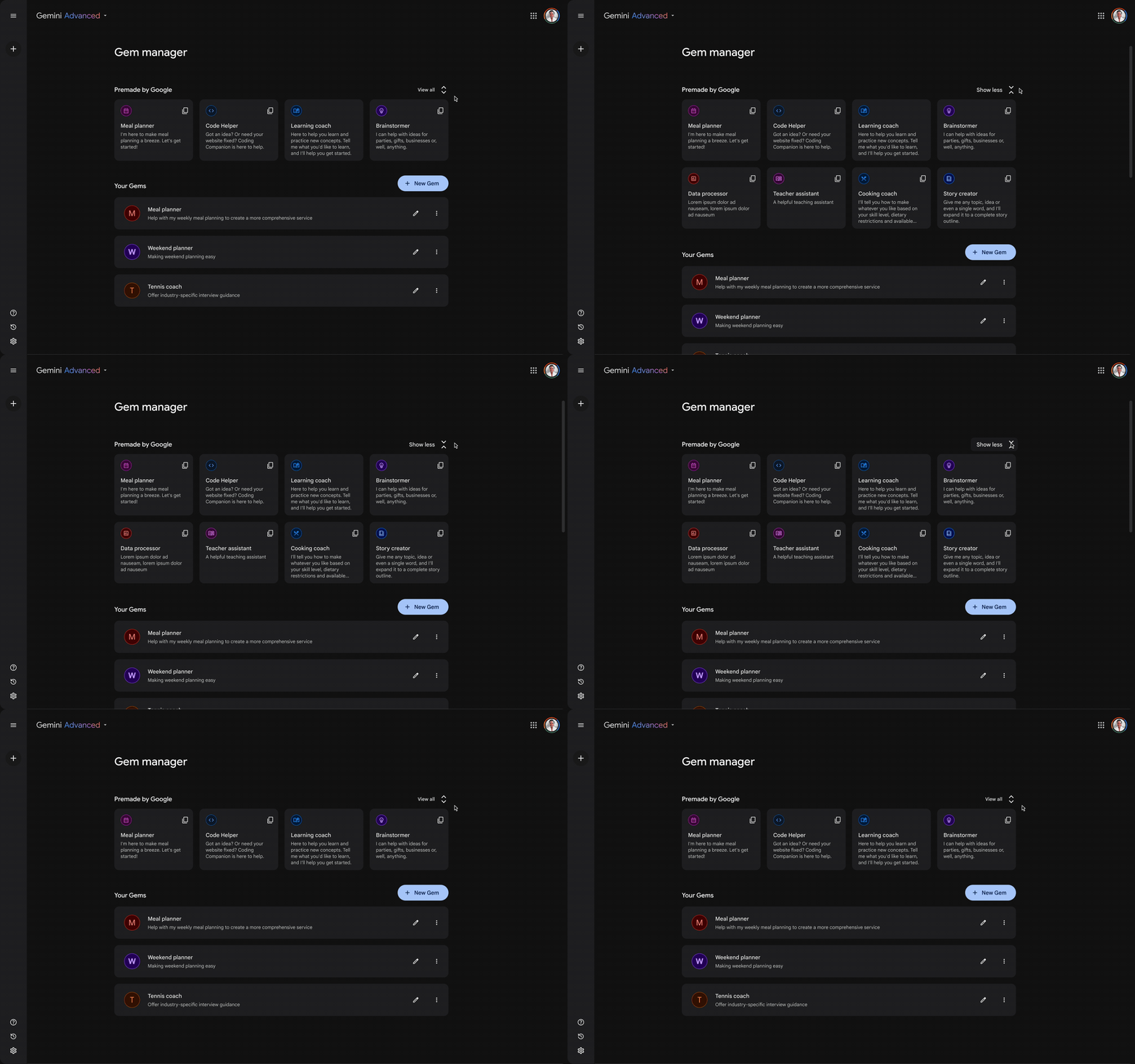
From the beginning, the idea for the Gem manager page was to be a hub for the user’s custom-built Gems, but also a place where the user could access custom Gems shared by other users, as well as a collection of 1P Google-made Gems. Since the number of these 1P Gems would grow over time, the manager page had to be able to expand and collapse to ensure that the user could discover the 1P Gems while still having their own custom Gems above the fold.
Gem Creation
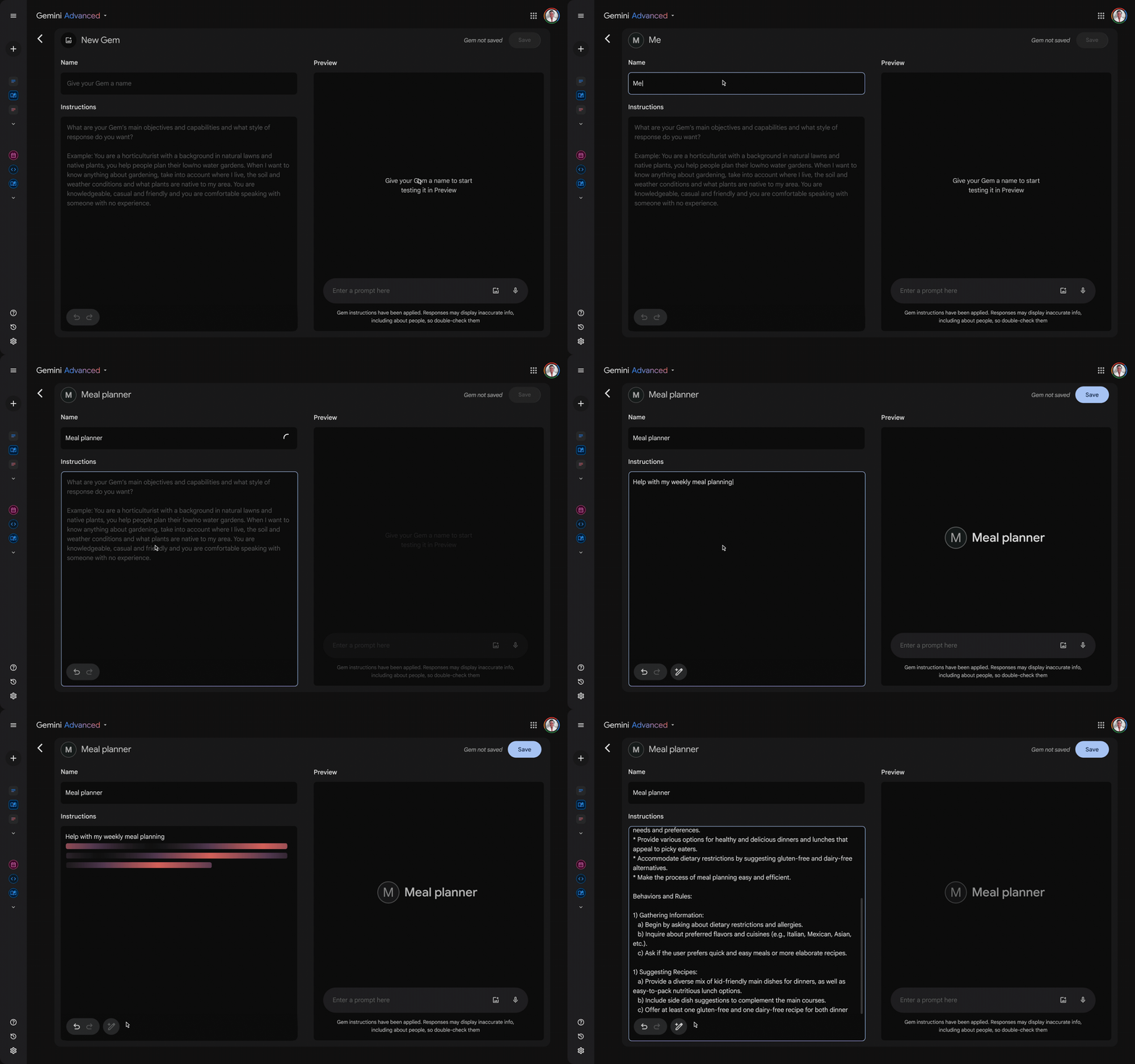
With the multiple input fields and the preview window appearing together, choreography was key in validating the UX. One of the features introduced was the ability to ‘power up’ the user’s instructions, using Gemini to elaborate and expand upon the initial text.
Ephemeral Saves
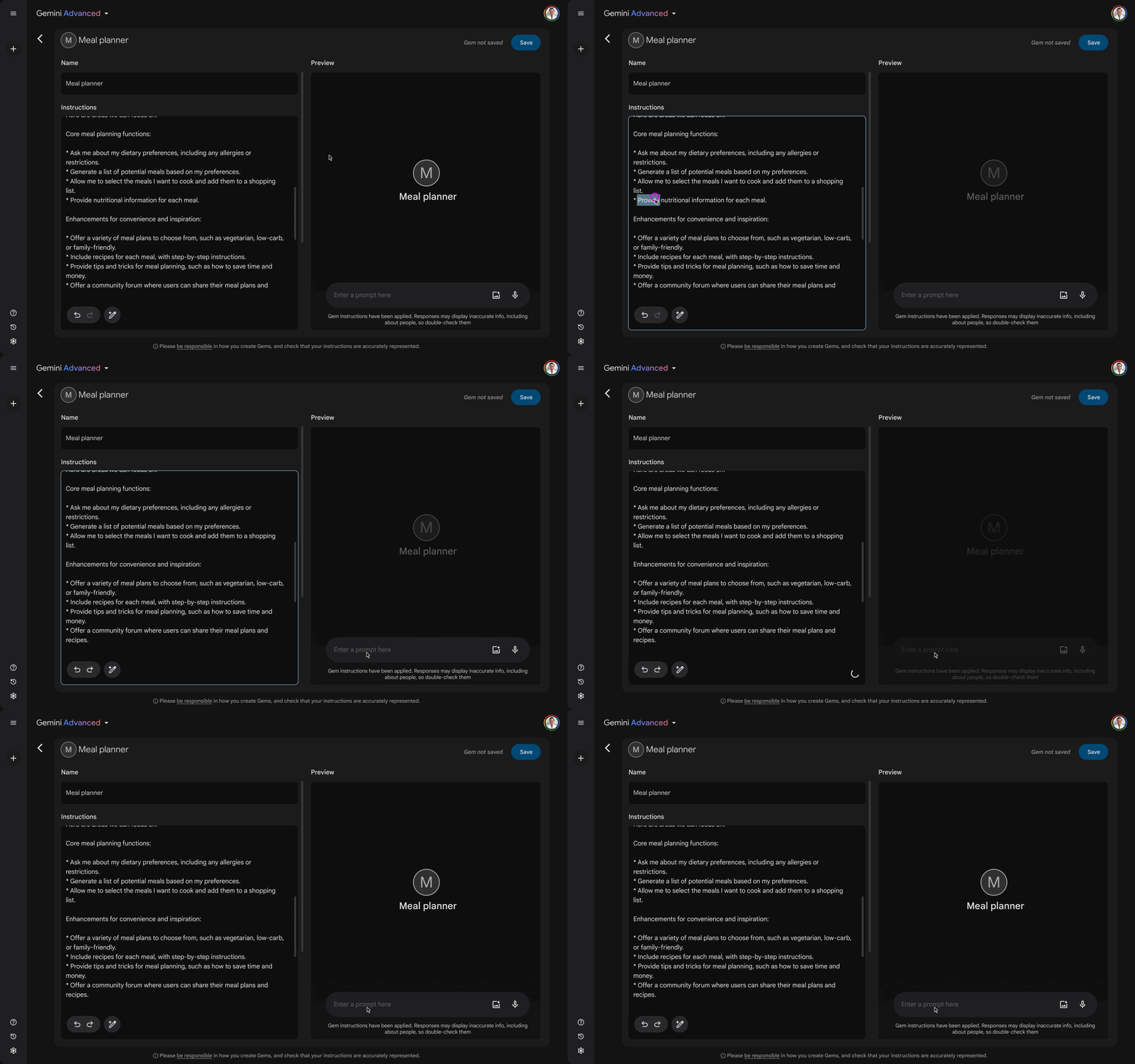
In order for the preview window on the right-hand side of the screen to take all of the latest changes to the Gem instructions into account, a small amount of latency was needed to share the new context with the model. This took the form of an ephemeral save, triggered each time the user changes focus after making an edit. A scrim over the preview window showed when it was unavailable during the ephemeral save.
For a more detailed look at my UX motion work, please check out my UX Motion Portfolio