Gemini - HomeScreen
Gemini App Homescreen + Personal Intelligence
Role: UX Motion Designer
Launched: December 2025
In December 2025, an updated home screen was launched for Gemini. This included the addition of personal intelligence, which allows Gemini to create a more helpful, personalized user experience by connecting with 1p apps such as Gmail and Google Photos.
I was responsible for motion for the 2025 Gemini home screen / zero state update, which included developing loading states for desktop web and mobile app, as well as creating the ‘For you’ chip shimmer, and other related motion patterns.
Loading State
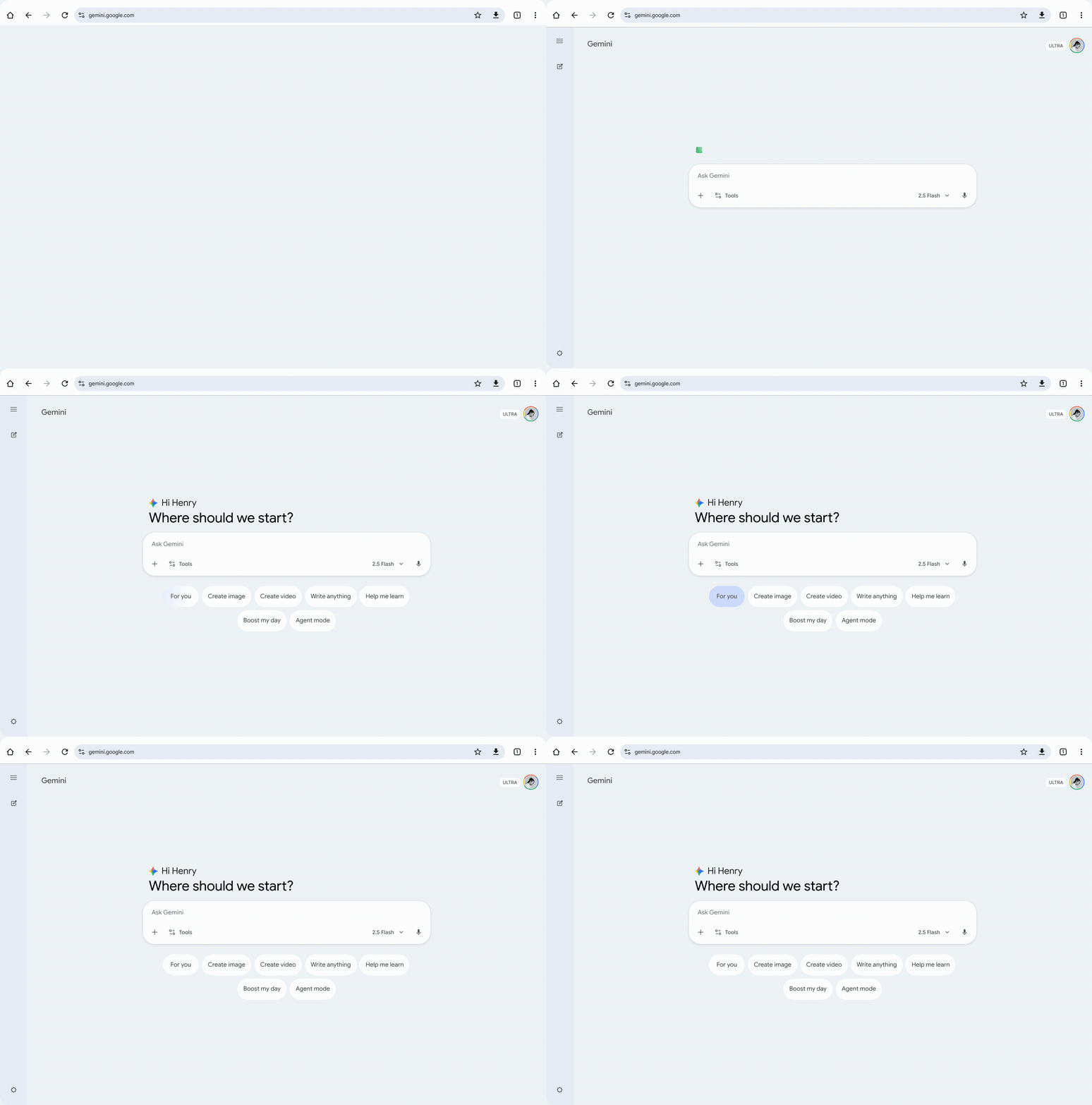
One of the challenges that the inclusion of personal intelligence brought to the home screen was additional server latency. This required a loading state solution that was flexible enough to deal with a range of latencies. The solution was to use a GM3-style morphing shape spinner, which would resolve to the static Gemini brand mark upon content-load.
Another challenge was the fact that the primary message (below the greeting) was no longer a canned message, and could be personalized based on user context. This meant that the length would be variable, and could be any number of lines. The solution was to start the loading state at the baseline and reposition upwards into the final position once the data had been retrieved.
‘For You’ Chip
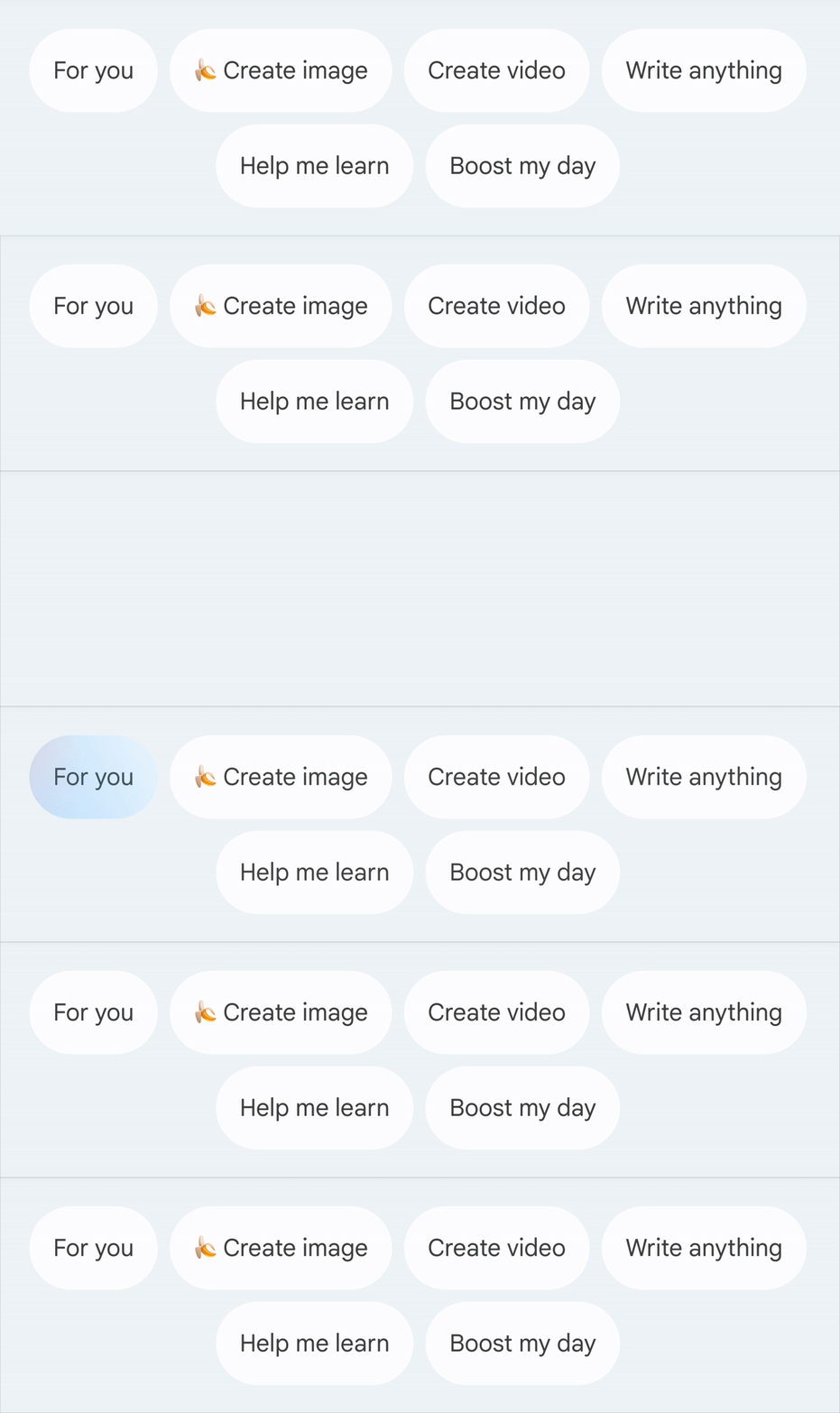
Once the user has turned on personalization, a new ‘For you’ chip appears among the intent chips. Since it is easy to miss, we needed something to draw the user’s attention to it. The solution was an ephemeral, branded shimmer that quickly passes over the chip once the content has finished loading.
Intent Chip Suggestions
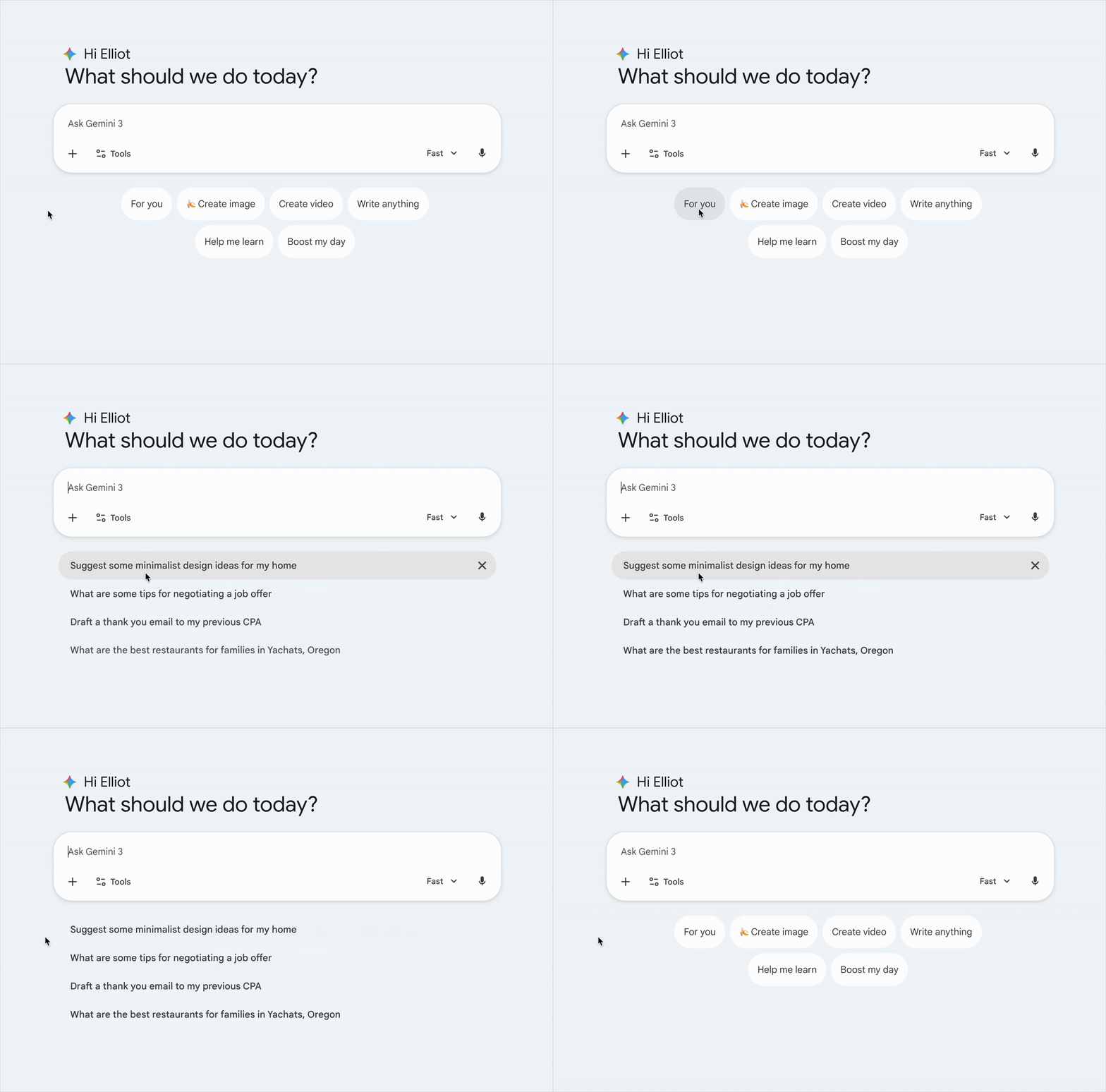
The intent chips, when clicked, causes a number of suggestions to appear in place of the set of chips. To add some nuance to the motion, I opted for a subtle ‘accordion’ pattern, where the suggestions all fade on and move downwards into place, but in a staggered fashion. This gives it the sense of expanding from the central point (the input field).
For a more detailed look at my UX motion work, please check out my UX Motion Portfolio